Site migration SEO checklist: redirects, canonicals and monitoring, 2026
A site migration SEO checklist based on Google's guidance: map URLs, use 301 redirects, set canonicals, and monitor Search Console after launch.

Introduction
A site migration keeps its rankings when every old URL reaches its new equivalent, the new pages agree on their canonical address, and you watch the results for weeks. Most losses come from small misses: a redirect that points nowhere, a staging noindex left on, a canonical that still names the old host.
This checklist follows Google's own guidance, last updated August 2026. It runs in order: map, redirect, canonicalize, clean up, then monitor.
Build the URL map first
Everything else hangs on the map from old URLs to new ones. Google's site move guide tells you to prepare the new site, build a URL mapping, configure redirects, and monitor traffic on both sites.
Where the old URL list comes from
No single source is complete. Combine your sitemaps, server logs, analytics, Search Console link reports and the CMS. Include images, videos, JavaScript and CSS files, not just pages. Store the finished mapping in a database or in your rewrite rules.
Decide what each URL becomes
Every old URL gets one of three outcomes: a one-to-one redirect, a redirect into a page that absorbs it, or a 404 or 410 because the content is gone. Google says deleted content should return 404 or 410 instead of redirecting to something unrelated. A migration is a good moment to decide which posts to update, merge or delete.
Move everything at once or in stages
For small and medium sites, Google advises moving all URLs simultaneously. Large sites can move one section at a time. Either way, change one thing at a time. A domain change and a redesign in the same launch make any traffic drop hard to diagnose. If you can, pick a low-traffic window.
Redirect rules that hold up
Redirects carry most of the weight in a migration, so test them before launch, not after. Google points to the URL Inspection tool for single pages and to scripts for large batches. Run the whole mapping through a script that records the status code, the number of hops and the final URL for every old address.
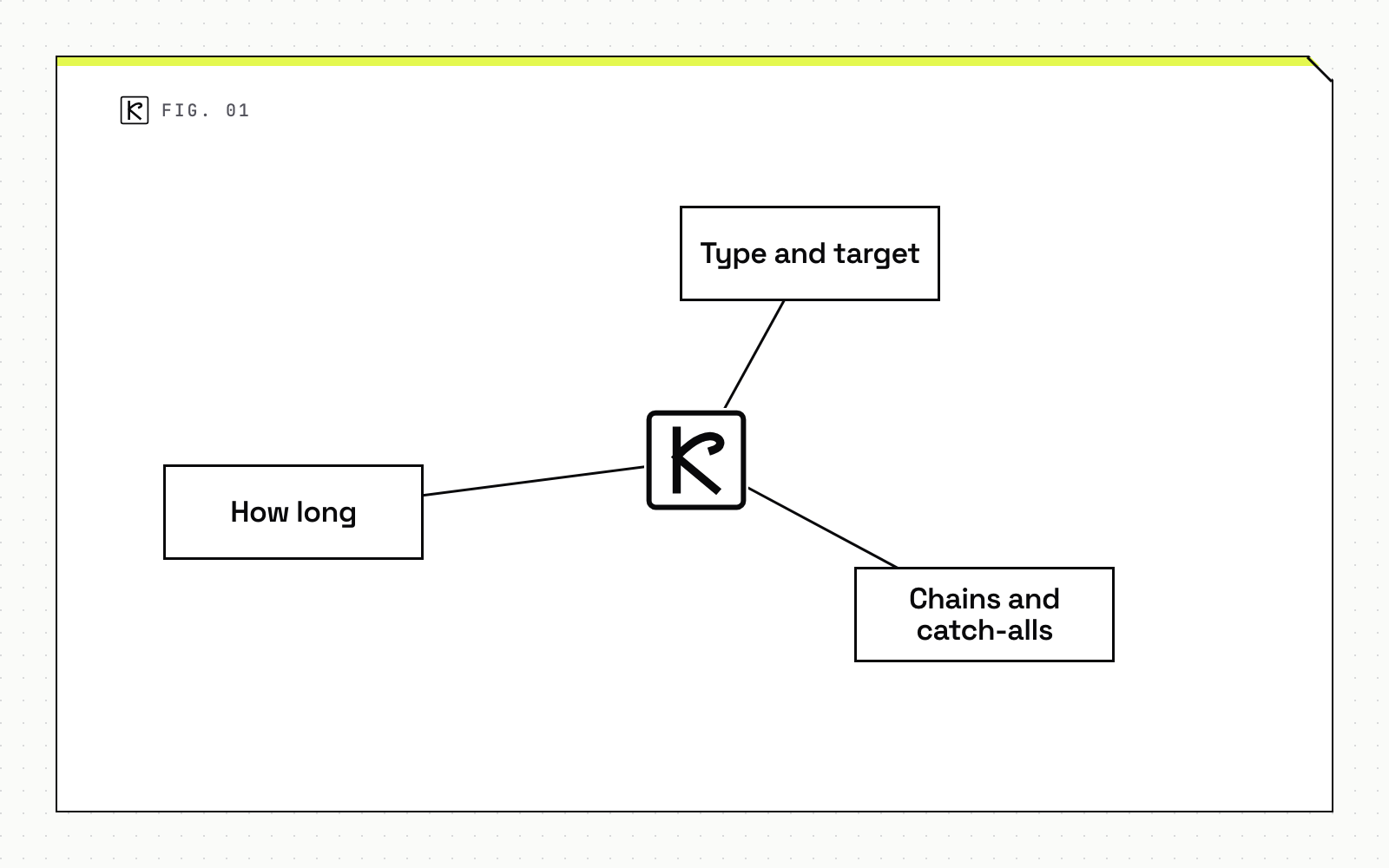
Type and target
Use a permanent, server-side redirect. Nothing else is as reliable. Google's redirects documentation lists 301 and 308 as permanent codes and says to use a permanent server-side redirect whenever possible. Temporary codes (302, 303, 307) leave the source page in results, which is the opposite of what a migration needs.
JavaScript redirects are the last resort. The same page warns that rendering may fail, so Google might never see the redirect.
Chains and catch-alls
Redirect each old URL straight to its final destination. The site move guide says to keep chains short, "ideally no more than 3 and fewer than 5" hops. Chains usually appear when a new migration lands on top of an old one. Flatten them in the map.
Do not send hundreds of old URLs to the new home page. Google says that can be treated as a soft 404. Consolidating several old pages into one closely related new page is fine.
How long to keep them
Keep redirects generally at least 1 year so Google can transfer signals to the new URLs. Users may benefit from keeping them longer, but each redirect adds delay, so update your internal links and your most valuable external links to point at the new URLs directly.
Canonicals, sitemaps and hreflang on the new site
Google's canonical documentation ranks the signals. Redirects are a strong signal that the target should become canonical. A rel="canonical" annotation is also a strong signal. Sitemap inclusion is a weak one. Combining them raises the chance your preferred URL is the one shown.
Apply these rules on the new site:
- Give each new URL a self-referencing canonical.
- Use absolute URLs, not relative paths. Google warns relative paths can cause problems later, for example when a test site gets crawled by accident.
- Pick the HTML element or the HTTP header, not both.
- Never let methods disagree, such as a sitemap URL that differs from the
rel="canonical"URL. - Do not use robots.txt or the URL removal tool to pick a canonical.
If the site is multilingual, update every hreflang annotation to the new URLs too. Our guide to hreflang implementation covers the common mistakes. Then submit the new sitemap and remove the old one once Google has picked up the new one. Our piece on sitemaps and indexation explains what to expect.
Staging leftovers and domain changes
Remove what staging added
After redirects go live, check canonical tags and remove any noindex rules added during the move. Google lists leftover noindex tags and robots.txt blocks from development among the most common problems. A missing robots.txt should return a proper 404.
When to use Change of Address
The Search Console Change of Address tool is only for moving from one domain or subdomain to another, and only after you have moved and redirected the site. Google's help page says not to use it for HTTP to HTTPS moves, path changes within a site, or www to non-www changes. Those need redirects, canonicals and updated sitemaps.
Before you use it, the page requires that you manage both properties with the same Google account, use domain-level properties, redirect the old homepage to the new homepage with a 301, and verify all variants. The tool's actions continue for 180 days, and Google says to keep redirects for at least that long, longer if the old URLs still get search traffic.
What to monitor after launch
Launch day is the start of the work, not the end. Keep the old and new properties open in Search Console side by side, and assign someone to review them on a fixed schedule, for example daily in the first week and weekly after that.
Expect swings. For medium-sized sites, Google says it can take a few weeks or more for new URLs to replace old ones. Judge the trend, not day one.
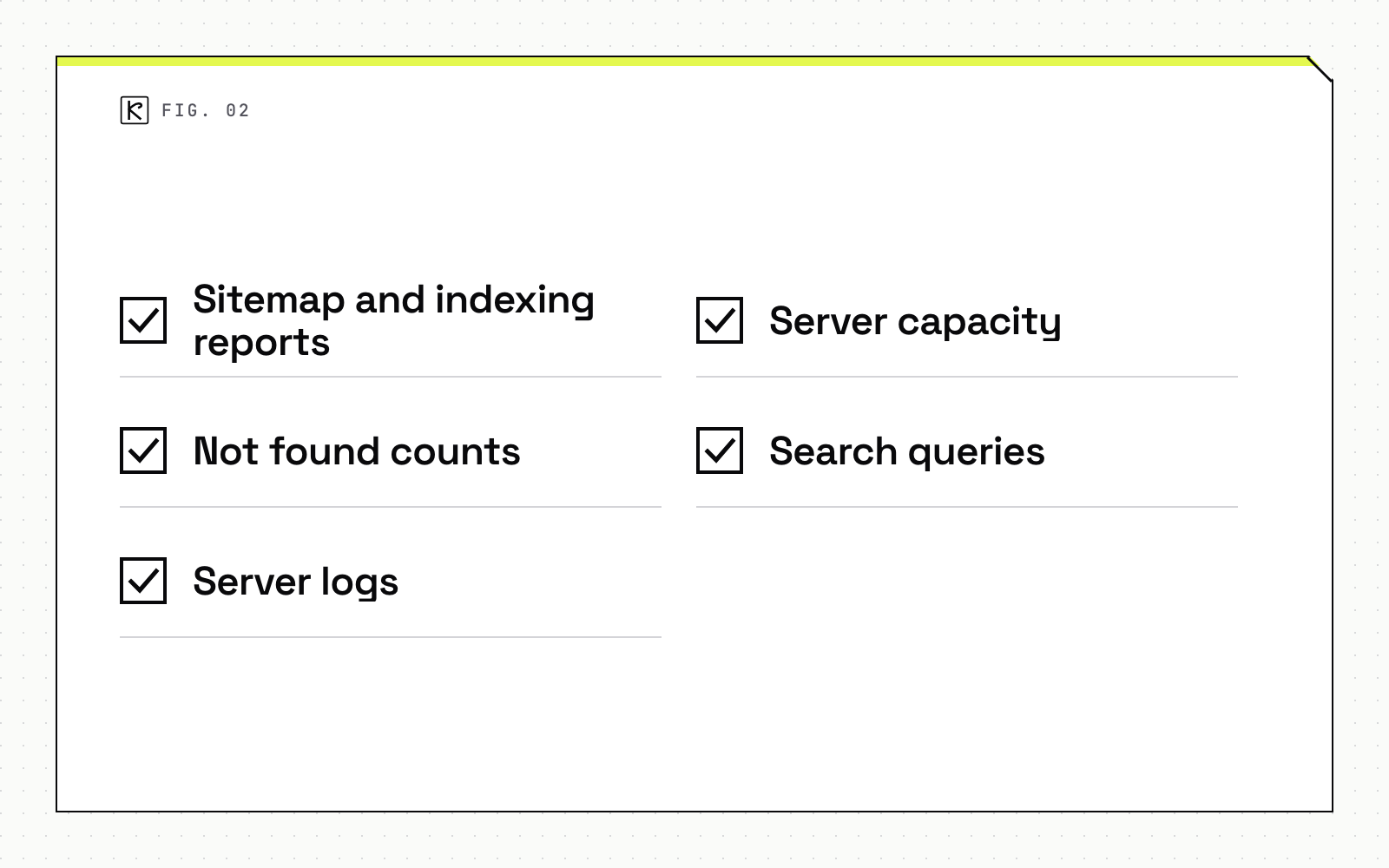
Check these on a schedule:
- Sitemap and indexing reports: the old sitemap should lose indexed pages while the new one gains them. Redirect warnings on the old sitemap are expected.
- Not found counts: a spike usually means redirects pointing at pages that do not exist on the new site.
- Server logs: look at Googlebot activity and unexpected error status codes.
- Server capacity: Google tends to crawl more right after a move, so confirm the new server can take it.
- Search queries: compare impressions and clicks for your top queries before and after.
Set up the comparison before launch. Our walkthrough on how to measure SEO results with GA4 and Search Console shows the baseline to capture.
Conclusion
A safe migration is mostly preparation, and it's short enough to fit on one page. Build the map from several sources, redirect each URL once to its final target with a 301 or 308, make the canonicals and sitemaps agree, strip staging leftovers, and watch the reports for weeks. If you want a second pair of eyes on a rebuild, Kallos Labs does this as part of SEO and AEO work.
Frequently asked questions
How long should I keep redirects after a site migration?
Google says generally at least one year. For a Change of Address, keep them at least 180 days, and longer if Google Search still sends traffic to the old URLs.
Do I need the Change of Address tool for HTTP to HTTPS?
No. The tool is only for moving between domains or subdomains. HTTPS, www and path changes use redirects, canonicals and updated sitemaps.
How many redirect hops are too many?
Point each URL straight at its final destination. Google's guidance is ideally no more than 3 hops and fewer than 5.
How long until rankings settle after a migration?
For medium-sized sites, Google says it can take a few weeks or more for new URLs to replace old ones. Expect movement and judge the trend.