How to write a technical brief for a web or app project, 2026
A technical brief for a web project covers the problem, users, scope, constraints, budget range and success measures in two to four pages.

What a technical brief covers
A technical brief for a web or app project is a short document that tells a team what problem you are solving, for whom, within which limits, and how you will judge the result. Written well, it lets a team estimate honestly. Written badly, it gets you quotes you can't compare.
This guide is for founders and product leads who are about to talk to a studio or an engineering team. It walks through each part of the brief, what to leave out, and a short check to run before you send it.
A brief is not a specification
A brief sets the problem, the scope, the constraints and the success measures. A specification describes how each screen and endpoint behaves. The specification comes later, usually written with the team once the brief is agreed.
Keep it short. One agency guide to software briefs (dated August 2026) puts it at two to four pages for most small and mid-size projects, and says a fifty-page requirements document suggests design work was done before engineers had a say. Attach mockups, sample reports and exports separately, each with a one-line note on why it is there.
Start with the problem, users and success measures
Lead with the problem, not the feature list. The same guide recommends describing it in observable terms: how often it happens, how long it takes, who is involved, and what it costs when it goes wrong. "Our process is inefficient" gives a team nothing to size. "Staff re-enter each order by hand, about forty times a week, and some get entered twice" does. (That sentence is an illustration of the style, not a real client figure.)
Name the users and what each can do
List every type of user, roughly how many of each there are, and what each one may see, create or approve. Customers, staff and admins usually need different permissions, and permissions are one of the first things that change the size of a build.
Write success measures you can check after launch
Pick outcomes you can verify: an error rate, a load time, a completion rate, an adoption target. "Better user experience" cannot be checked. "Checkout completion rate reported in your analytics, measured against last quarter" can. A second guide to software development briefs (published April 2026) lists measurable business outcomes, performance benchmarks and quality standards as the final section of a complete brief.
Scope: must-haves, later, and not now
Sort features into three groups: needed for launch, wanted soon after, and out of scope for this release. A useful test for the first group: if the feature were missing on launch day, would you delay the launch? If not, it belongs in the second.
Give each feature a definition of done
Short feature names hide big differences. The April 2026 guide gives the example of "user registration", which can mean email-only signup or sign-in with several providers plus phone verification. Those are very different amounts of work. A line of acceptance criteria settles it, for example: "A visitor can create an account with an email address and password, and receives a confirmation email."
The same guide notes that teams tend to quote the narrowest reasonable reading of a vague brief, and that the gap between intent and reading shows up later as change requests.
Label ideas as ideas
If a feature is a hunch rather than a need, say so. Candidate features marked as ideas let a team price the core and offer options, instead of pricing everything as a commitment.
Describe integrations precisely
For each system the product must connect to, name the system, the data that moves, the direction, and whether real-time or batch sync is acceptable. Payments, email, a CRM, an inventory system and an existing login provider are typical. Integrations are often the hardest part of a project to estimate, so vague wording here costs the most.
Performance and accessibility targets
Non-functional requirements describe how well the product must work, not what it does. Two are easy to write down early and expensive to retrofit.
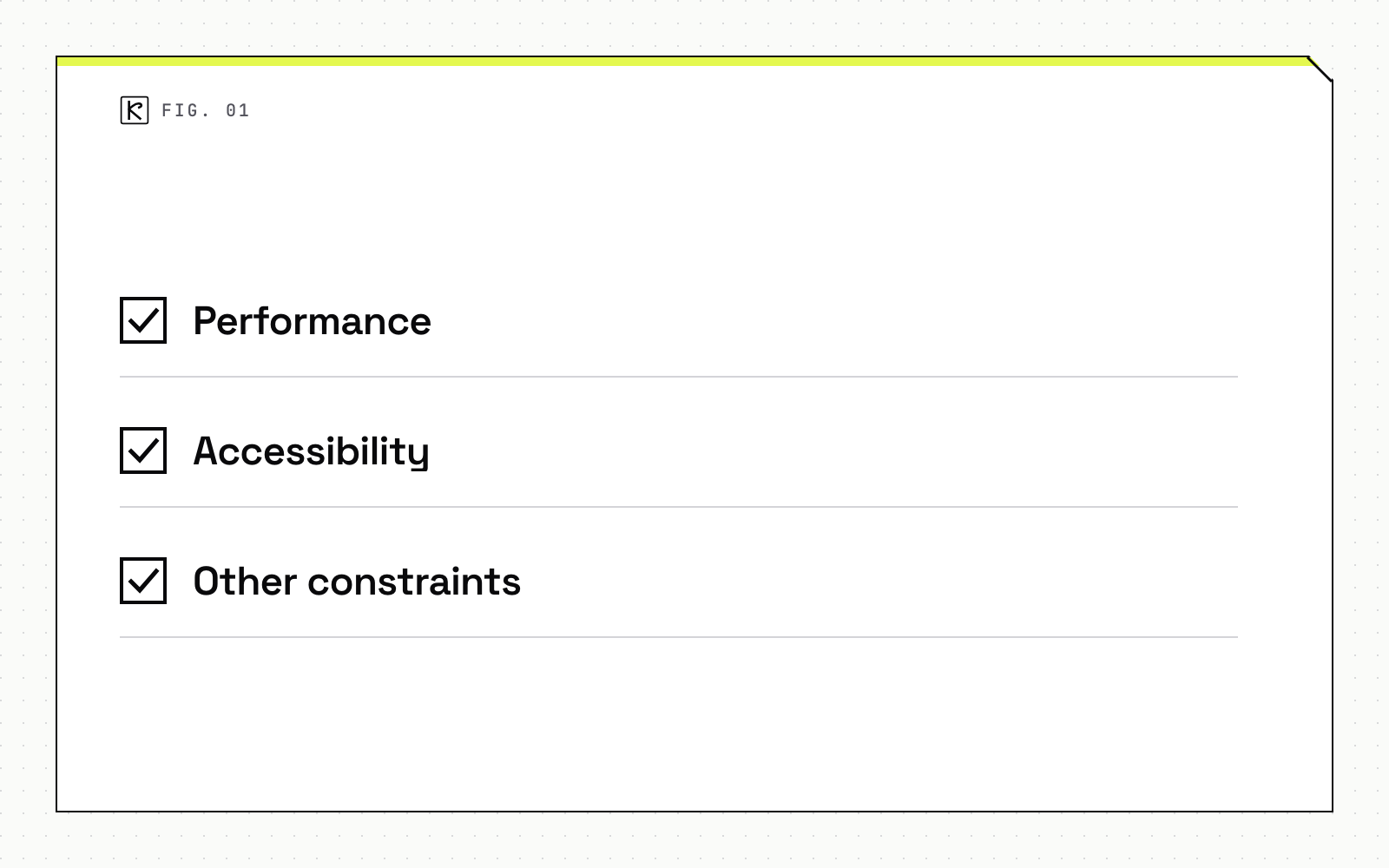
Performance. web.dev defines a performance budget as "a set of limits imposed on metrics that affect site performance", such as page weight, number of requests, First Contentful Paint and Time to Interactive, and advises setting it early because "setting it early will help prevent backtracking later." The page was last updated in November 2018, so treat its example baselines (Time to Interactive under 5 s on 3G, under 170 KB of critical-path resources) as an illustration of the format rather than current targets. In your brief, state the metric, the device class and the network you care about.
Accessibility. The W3C Web Accessibility Initiative says it is "most efficient and effective to incorporate accessibility from the very beginning of projects" and recommends evaluating it early and throughout development (page updated 3 February 2026). It also notes that WCAG 2.2 is published as ISO/IEC 40500. The practical step is to name a version and a level in the brief, such as "WCAG 2.2 Level AA". Our guide to WCAG 2.2 requirements for web apps covers what that means in implementation.
Other constraints. Add supported browsers and devices, expected number of users, hosting or data residency requirements, compliance duties that apply to your sector, and who will maintain the code after launch. If you must keep an existing system or use a specific stack, say so and give the reason.
Budget, timeline and who decides
Share a budget range
Give a range and mark it firm or exploratory. Both guides make the same point: a range works as a shared scope boundary rather than an anchor, and hiding it produces proposals at very different prices that are hard to compare. If you have not set one, read what a website costs or what an iOS app costs first.
State the date and the reason for it
A date with a reason is a constraint: a trade show, a contract renewal, a regulation taking effect. A date with no reason is a preference, and a team can trade it against scope. Say which one yours is, and describe what a minimum viable first release would look like if the full scope does not fit.
Name the decision-maker
Say who approves scope, who signs off each phase, who breaks ties, and who answers day-to-day questions. A missing decision-maker is a common cause of delay. If you want to see how a scoped project typically moves from brief to delivery, read how we work.
What to leave out
- Technology choices with no basis. State the requirement, not the stack, unless a real constraint exists. If you do have a reason, give the reason.
- Screen designs and database structures. These come after engineers have weighed in.
- Copied competitor feature lists. Point to one flow you like and explain why it works.
- Company history and mission statements. Two or three sentences on what the business does and how it earns money is enough.
Check the brief before you send it
- The problem comes before any feature.
- Every user type is listed, with what each can do.
- Features are sorted into launch, soon after and not now, each with a definition of done.
- Each integration names the system, the data and the direction.
- Performance and accessibility targets are written as numbers or a named standard.
- The budget is a range, the date has a reason, and a decision-maker is named.
- Success measures can be checked after launch.
Conclusion
A good technical brief is short, specific and honest about what is still unknown. It states the problem before the solution, sorts scope by priority, and gives the team the constraints that change the price. If you are planning a web development project and want a second pair of eyes on a draft, send it over.
Frequently asked questions
How long should a technical brief be?
Two to four pages covers most small and mid-size projects. A very long document usually means design decisions were made before engineers weighed in. Put mockups and sample data in attachments with a one-line note on each.
Should I name the tech stack in the brief?
Only if there is a real constraint, such as a system you must keep or an in-house team that will maintain the code. Otherwise state the requirement, for example "sign in with email and Apple", and let the team propose the stack. If you have a preference, say why.
Do I have to share my budget?
Share a range and mark it as firm or exploratory. Without one, proposals arrive at very different prices and are hard to compare.
What if I do not know the technical details yet?
Describe the problem, users and outcomes in plain language and mark open questions as open. A brief that says what you do not know is more useful than one that guesses.
What is the difference between a brief and a full specification?
A brief sets the problem, scope, constraints and success measures so a team can estimate. A specification describes how each screen and endpoint behaves, and is normally written with the team after the brief is agreed.