Multi-location dispensary SEO: one site or many, 2026
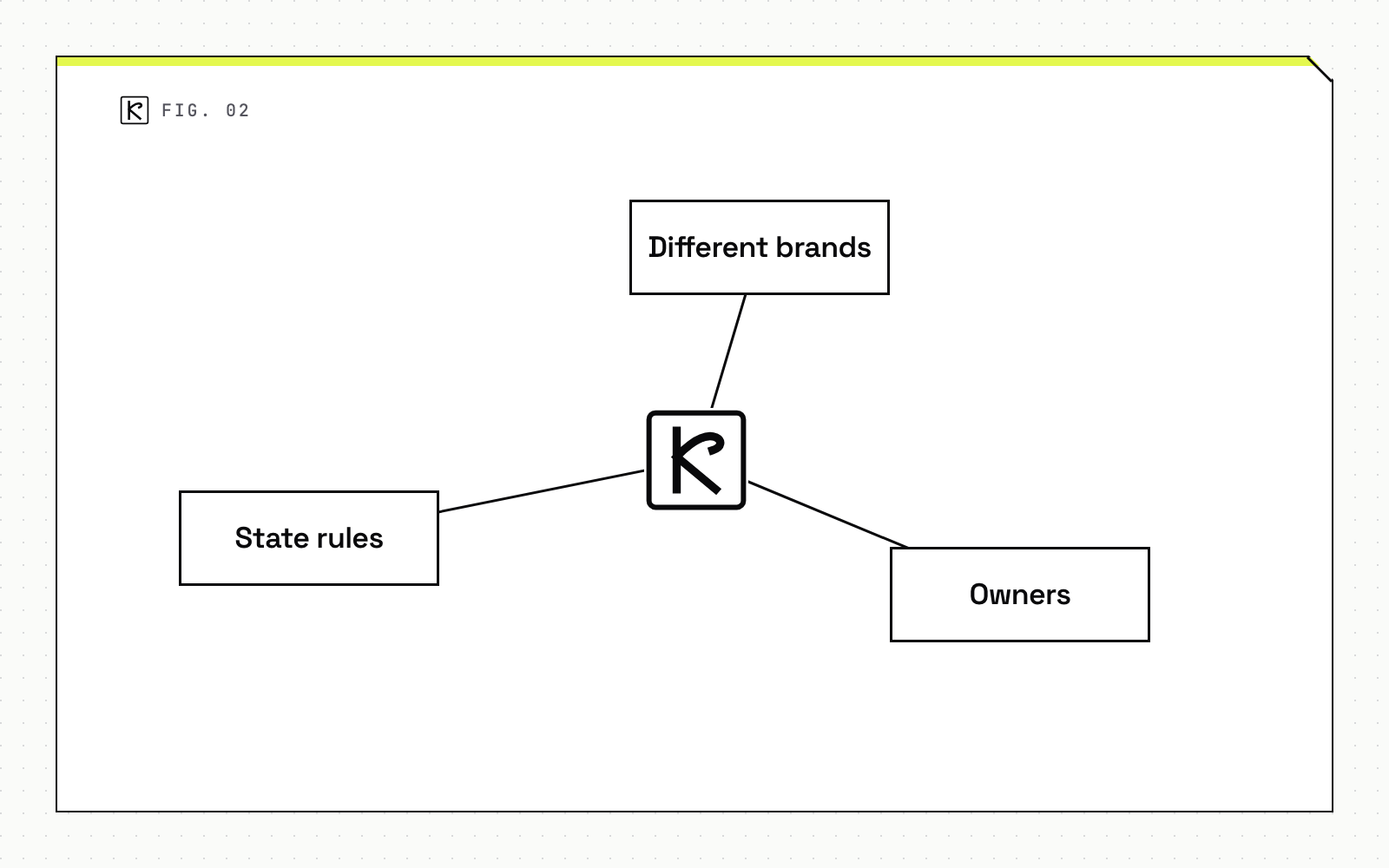
Use one domain with a page per licensed store. Split into separate sites only when brands, owners or state rules truly differ.

Short answer
For most dispensary groups, one domain with a dedicated page for each licensed store is the right setup. It keeps links and authority in one place and costs less to maintain. Separate sites are worth the extra work only when the stores operate as different brands, have different owners, or face rules that force different content. Below: what Google fixes no matter what you build, why one domain is the default, when to split, and what a store page needs.
What Google fixes regardless of site structure
Your site structure doesn't change the rules for Google Business Profile. These apply to every store, whether you run one site or five.
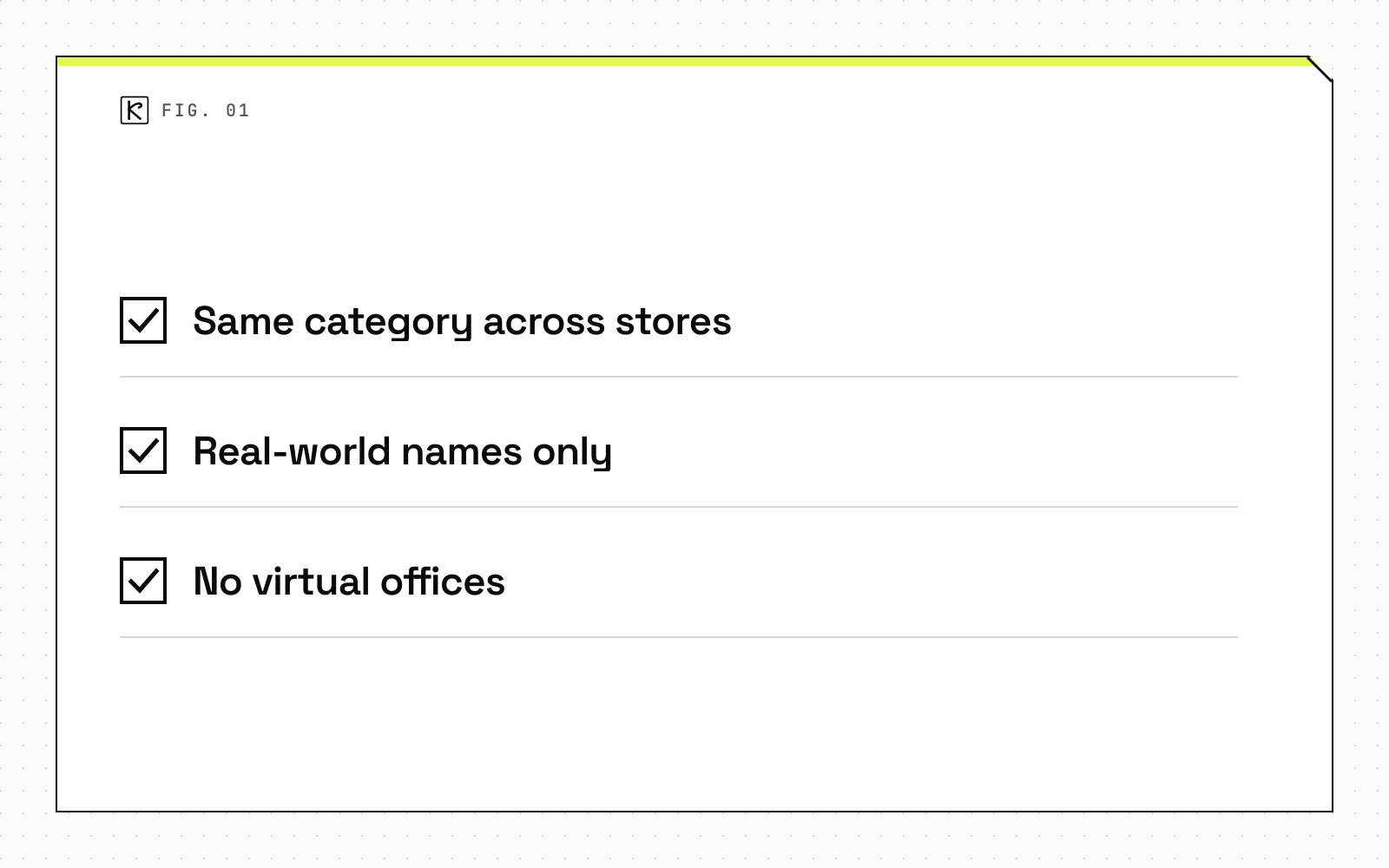
Google's guidelines for representing your business say: "Do not create more than one page for each location of your business." Each real, customer-accessible store gets one profile, and no more.
Three more rules from the same page matter for groups:
- Same category across stores. The guidelines say "All locations must also have the same category if they provide the same service." Pick the primary category once and apply it everywhere.
- Real-world names only. The name must match your signage. Taglines, store codes, hours and phone numbers do not belong in it.
- No virtual offices. A rented mailing address you do not operate from is not eligible.
Cannabis adds one more limit. Google states that businesses tied to age-restricted products "like alcohol, cannabis, or weapons" are not permitted as service-area businesses without a storefront. A delivery-only listing with no storefront is therefore a poor bet. For the full list of what a dispensary can and cannot put on its profile, see what a dispensary can and cannot list on its profile.
Check the current policy page before you change anything. Google updates these rules, and this summary reflects the page as of October 2026.
The default: one domain with a folder per store
Put every store on one domain, with a clear path for each: a /locations/ hub and a page such as /locations/downtown/ for each store. The hub links to every store page, and every store page links back to the hub and to the others nearby. Our guide to internal linking structure covers the mechanics.
Why this wins for most groups:
- Authority stays together. Links to your brand help every store page. Separate domains each start from zero and need their own link building.
- One build, one fix. A schema bug, a slow template or a broken menu embed gets fixed once.
- Cheaper to run. Google's own guide to multi-regional sites lists separate country domains as expensive and needing more infrastructure, while subdirectories are "low maintenance" on the same host. That page is about countries and languages, not stores, but the cost logic carries over.
Subdomain or subfolder?
Either works. Matt Cutts called them "roughly equivalent" in 2012, and in 2017 John Mueller said Google web search is fine with using either. The Ahrefs summary of these statements adds the point that matters: a section that is linked internally and presented as part of the site is generally treated as part of it, while an isolated one may be treated as separate. Pick whichever your platform handles best and link it into the main site.
If you already run a structure that works, leave it. Migrations can cause temporary signal shifts, and the same source advises against moving solely for SEO.
When separate sites are justified
Splitting is a business decision first, an SEO decision second. Valid reasons include:
- Different brands. Two stores with different names, logos and customers are two brands. One site would confuse both.
- Different owners or licensees. If each store answers to a different legal entity, separate sites keep claims and responsibilities clean.
- Rules that force different content. State advertising and menu rules vary. If one state's rules mean a store cannot show what another can, a separate site can be simpler than a patchwork of conditions. Our summary of advertising restrictions on Google and Meta shows how much platform rules can differ.
Count the cost before you split. Every extra site needs its own content, its own links and its own upkeep. If the only reason is "each store wants its own site," a store page on a shared domain gives the manager a place to publish local details without the overhead.
What a location page needs
Build a page only for a real, licensed store. Ahrefs puts it this way: set up location pages "only if there is search demand for these pages and only if you have a physical location in those places." A page for a city where you have no store is a doorway page, and it will not help.
Each store page should carry:
- Name, address and phone, written exactly as they appear on the Business Profile.
- Hours, including holiday hours.
- A map embed and directions or parking notes.
- The store's menu or a link to it, so the page answers what a visitor came for.
- Staff or store details that only this location has.
- Location schema markup, checked with Google's Rich Results Test. Our schema markup guide shows the properties to use.
Then link the Business Profile to its own store page, not the homepage. Name, address, phone and hours should agree across the page, the profile and any directory listing. Mismatched details make it harder for Google to tell which facts are right.
Mistakes that make your own stores compete
- Cloned pages with the city swapped. Near-identical pages give Google no reason to prefer one. Write each page from facts only that store has.
- The same blog on every store. Several locations posting the same topics compete with each other and with the main site. Keep editorial content on the main blog and use store pages for local facts.
- Pages for areas with no store. Serving a neighborhood does not give you a physical presence there.
- Pages hidden behind a store locator. If the only way to reach a store page is typing into a locator widget, crawlers may never find it. Link every page in plain HTML from the hub.
- Unresolved duplicates. Where similar content must live on more than one URL, Google advises you to "pick a preferred version" and use
rel="canonical"to consolidate.
Conclusion
Start with one domain and one page per licensed store. Keep Business Profile data consistent and tie each profile to its own page. Split into separate sites only for real business reasons: different brands, owners or state rules. If you'd like a second opinion on your current structure, our SEO and AEO service covers site architecture for dispensary groups.
Frequently asked questions
Should each dispensary location have its own website?
Usually no. One domain with a page per licensed store keeps authority in one place and costs less to run. Separate sites make sense when brands, owners or state rules truly differ.
Can I use a subdomain for each store?
Yes. Google has said subdomains and subdirectories are both fine. What matters is that the section is linked internally and presented as part of the main site.
Does every location need its own Google Business Profile?
Yes, each real, customer-accessible store should have one, and Google allows no more than one page per location. Each profile should link to that store's own page.
How do I stop location pages from competing with each other?
Give each page facts only that store has: address, hours, menu, staff and local details. Avoid cloned text, and use canonical tags where duplicate URLs are unavoidable.