Dispensary schema markup with LocalBusiness and Store JSON-LD, 2026
Use Store with address, geo, phone, URL and hours on each location page. Skip Product merchant markup for cannabis: Google excludes it.

For a dispensary, the structured data that pays off is LocalBusiness markup, usually typed as Store, placed on each location's own page. Product markup for menu items is a different story: Google's merchant listing guidelines exclude recreational drugs, so you should not plan around it.
This guide covers which type to choose, which properties Google asks for, a working JSON-LD example, how to handle opening hours, and how to validate the result.
Choosing the type: LocalBusiness, Store and what is missing
Schema.org has no dispensary or cannabis type. The closest general fit is Store, defined as "A retail good store." Store sits under LocalBusiness, so it inherits properties such as openingHoursSpecification, priceRange, address, telephone, geo and url.
Store has 30 narrower subtypes, including ConvenienceStore, GardenStore and HobbyShop. None of them describes a dispensary, and picking one that does not match the business would make the markup inaccurate. Schema.org's guidance is to prefer the more specific subtype when one truly fits. For a dispensary, none does, so Store is the honest choice.
Google's LocalBusiness documentation says you can give more than one type as an array, and that additionalType is not supported. Keep it simple: one type, Store. For the bigger picture on making a brand unambiguous to machines, see our piece on entity SEO.
When a department makes sense
If a location has a distinct section with its own details, Google lets you nest a department entry. Name it "{store name} {department name}" unless the department has its own brand. Most dispensaries do not need this.
The LocalBusiness properties Google asks for
As of the page's last update on September 8, 2026, Google's LocalBusiness documentation lists two required properties and a set of recommended ones.
Required:
name: the business name.address: a PostalAddress. Google asks for as many address fields as possible.
Recommended:
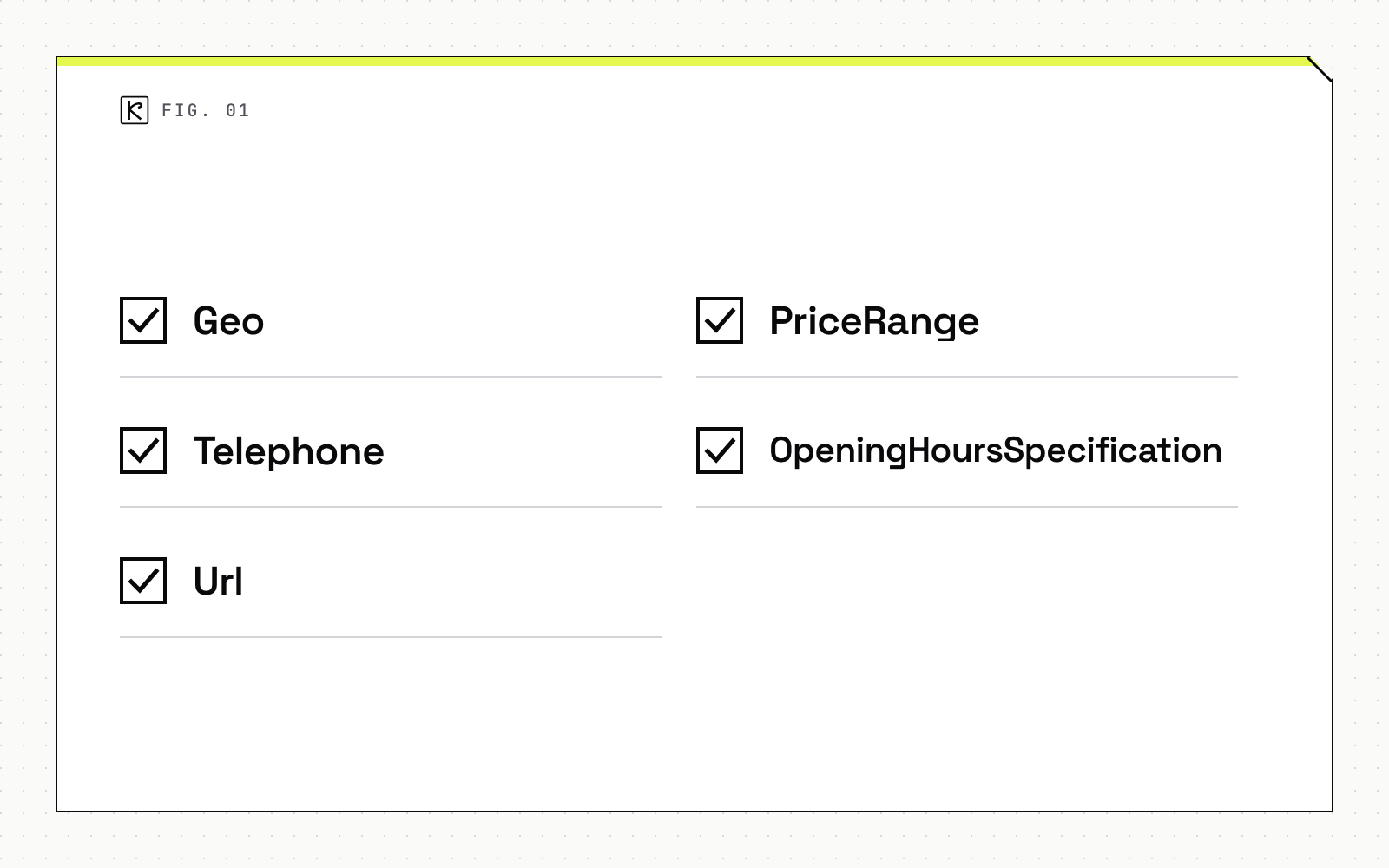
geo: GeoCoordinates, withlatitudeandlongitudeeach given to at least five decimal places.telephone: the primary number, with country and area code.url: the fully qualified URL of the specific location. The link must work.priceRange: a numeric range or a count of currency signs, under 100 characters. Longer values are not displayed.openingHoursSpecification: a single object or an array.
Missing required properties make the page ineligible for the rich result. Recommended ones improve its quality.
One caution on reviews. Google limits review and aggregateRating in LocalBusiness markup to sites that capture reviews about other local businesses, and ratings must come from real users. A dispensary marking up its own testimonials is the kind of misleading markup the general guidelines warn about. Leave them out.
A working JSON-LD example
This example uses placeholder data. Replace every value with the real, visible details of the location.
{
  "@context": "https://schema.org",
  "@type": "Store",
  "name": "Example Dispensary Downtown",
  "image": "https://example.com/photos/storefront-16x9.jpg",
  "url": "https://example.com/locations/downtown",
  "telephone": "+16125550123",
  "priceRange": "$$",
  "address": {
    "@type": "PostalAddress",
    "streetAddress": "100 Main St",
    "addressLocality": "Minneapolis",
    "addressRegion": "MN",
    "postalCode": "55401",
    "addressCountry": "US"
  },
  "geo": {
    "@type": "GeoCoordinates",
    "latitude": 44.97778,
    "longitude": -93.26500
  },
  "openingHoursSpecification": [
    {
      "@type": "OpeningHoursSpecification",
      "dayOfWeek": ["Monday", "Tuesday", "Wednesday", "Thursday"],
      "opens": "10:00",
      "closes": "21:00"
    },
    {
      "@type": "OpeningHoursSpecification",
      "dayOfWeek": ["Friday", "Saturday"],
      "opens": "10:00",
      "closes": "22:00"
    }
  ]
}
Sunday is absent because the store is closed. Google also documents a way to mark a closed day explicitly, covered next.
Opening hours, geo and the details that must match
Hours cause most of the errors. Stick to Google's own patterns:
- Year-round hours: leave out
validFromandvalidThrough. - Past midnight: one specification can run over midnight. Saturday 18:00 to 03:00 is valid.
- Open 24 hours:
opensof 00:00 andclosesof 23:59. - Closed all day: set both
opensandclosesto 00:00. - Seasonal closure: use
validFromandvalidThrough(YYYY-MM-DD) with both times at 00:00.
Times use the hh:mm or hh:mm:ss format. Day names can be short names such as "Monday" or full schema.org day URLs.
The markup has to agree with everything else a customer can see. If your page says 9 p.m. and the JSON says 10 p.m., one of them is wrong, and the general guidelines say structured data must reflect the page content. Keep the same hours, phone number and address in your Google Business Profile, and check geo coordinates against the actual entrance rather than a city centroid.
One page per store, one entity per page
Google's guidelines say to put structured data on the page it describes. For a multi-location operator, that means each location page carries its own Store block, with that location's url, address, phone and hours. A single block on the home page listing every store is the wrong shape.
This follows from the site structure decision covered in multi-location dispensary SEO: if each store has its own page, each page gets its own entity. If duplicate versions of a page exist, the guidelines say to apply the same markup to each, not only the canonical one.
Two habits help:
- Generate the JSON from the same data source that renders the visible address and hours, so they cannot drift apart.
- Include the block in the initial HTML response. Google says this about Product markup specifically, but the logic is the same: markup injected late is crawled less reliably.
Product markup and the cannabis exclusion
Google's Product documentation, last updated December 10, 2025, describes two experiences. Product snippets are for pages where people cannot buy directly. Merchant listings are for pages where they can.
Merchant listings have strict requirements. According to Google's merchant listing guidelines, the markup needs name, image, a nested Offer, a price greater than zero and a priceCurrency. Only pages where a shopper can buy the product are eligible.
Then the content rule: "Content promoting widely prohibited or regulated goods is not allowed." The page names firearms and weapons, recreational drugs, tobacco and vaping products, and gambling-related products. Google's Merchant Center dangerous products policy is more direct: it bars "Listings for substances that alter mental state for the purpose of recreation" and names marijuana as an example.
In practice, cannabis menu items should not be expected to qualify for merchant listings or Shopping surfaces. Do not build a project plan around Product rich results for flower, edibles or vapes. The same reasoning applies to the advertising side, which we cover in cannabis advertising restrictions on Google and Meta.
We have not found Google guidance that Product markup on a menu page triggers a penalty by itself, so we will not claim one. The point is narrower: the benefit is unlikely, and markup that implies a purchasable listing you cannot show adds maintenance for no return. Spend that effort on accurate Store markup.
Validate and avoid manual actions
Google's general structured data guidelines, updated July 10, 2026, set the ground rules:
- JSON-LD is the recommended format.
- Do not mark up content that is not visible to readers of the page.
- Markup must be accurate and relevant to the page.
- A structured data problem can lead to a manual action, which removes eligibility for rich results. It does not change how the page ranks in web search.
- Passing the Rich Results Test does not guarantee a rich result will appear.
Here is a short validation routine:
- Run each location page through the Rich Results Test and fix critical errors.
- Check the live URL with the URL Inspection tool.
- Confirm the page is not blocked by robots.txt, a
noindextag or a login. - Submit or update your sitemap.
- Wait. Google notes that re-crawling can take several days.
Conclusion
Put one Store block on each location page, built from the same data that renders the visible address, phone and hours. Fill the required name and address, add geo, telephone, url and openingHoursSpecification, and validate before you ship. Leave Product merchant markup off your cannabis menu plans, because Google's guidelines exclude recreational drugs. If you want help with a rollout across several stores, our SEO and AEO service covers it.
Frequently asked questions
Is there a schema.org type for a dispensary?
No. Schema.org has no dispensary or cannabis type. Store is the closest general fit, as a LocalBusiness subtype for a retail good store, and Google accepts an array of types if you need more than one.
Do I need Product markup on my menu pages?
No. Product markup is optional, and merchant listings in particular are not available for recreational drug products under Google's guidelines. LocalBusiness markup is where dispensaries get a clear benefit.
Where should the JSON-LD go on a multi-location site?
On each location's own page, describing that location, with that page's own URL, address, phone and hours.
Does valid markup guarantee a rich result?
No. Google states that passing the Rich Results Test does not guarantee a rich result will appear, and its systems choose what to show.