Vercel deployment guide: preview environments, edge caching and rollbacks, 2026
A practical guide to Vercel deployments: preview environments, edge caching headers, and how to roll back a bad release in seconds.

Vercel splits every change into three stages: a preview deployment with its own throwaway URL, a production deployment that owns the live domain, and an edge cache layer that serves both. If a release breaks something anyway, vercel rollback points production traffic at a previous build in seconds, no rebuild required. As of the 2026 docs, Pro and Enterprise teams can also define custom named environments, up to 12 per project on Enterprise, on top of the three defaults.
Before you start
Every Vercel project has three default environments: Local, Preview, and Production. A new project's very first deployment is always a production deployment, even from a non-main branch or a CLI run that skips the production flag. After that, the usual rule kicks in: pushing to a non-production branch, opening a pull request on GitHub, GitLab or Bitbucket, or running vercel without the production flag all create a preview deployment instead.
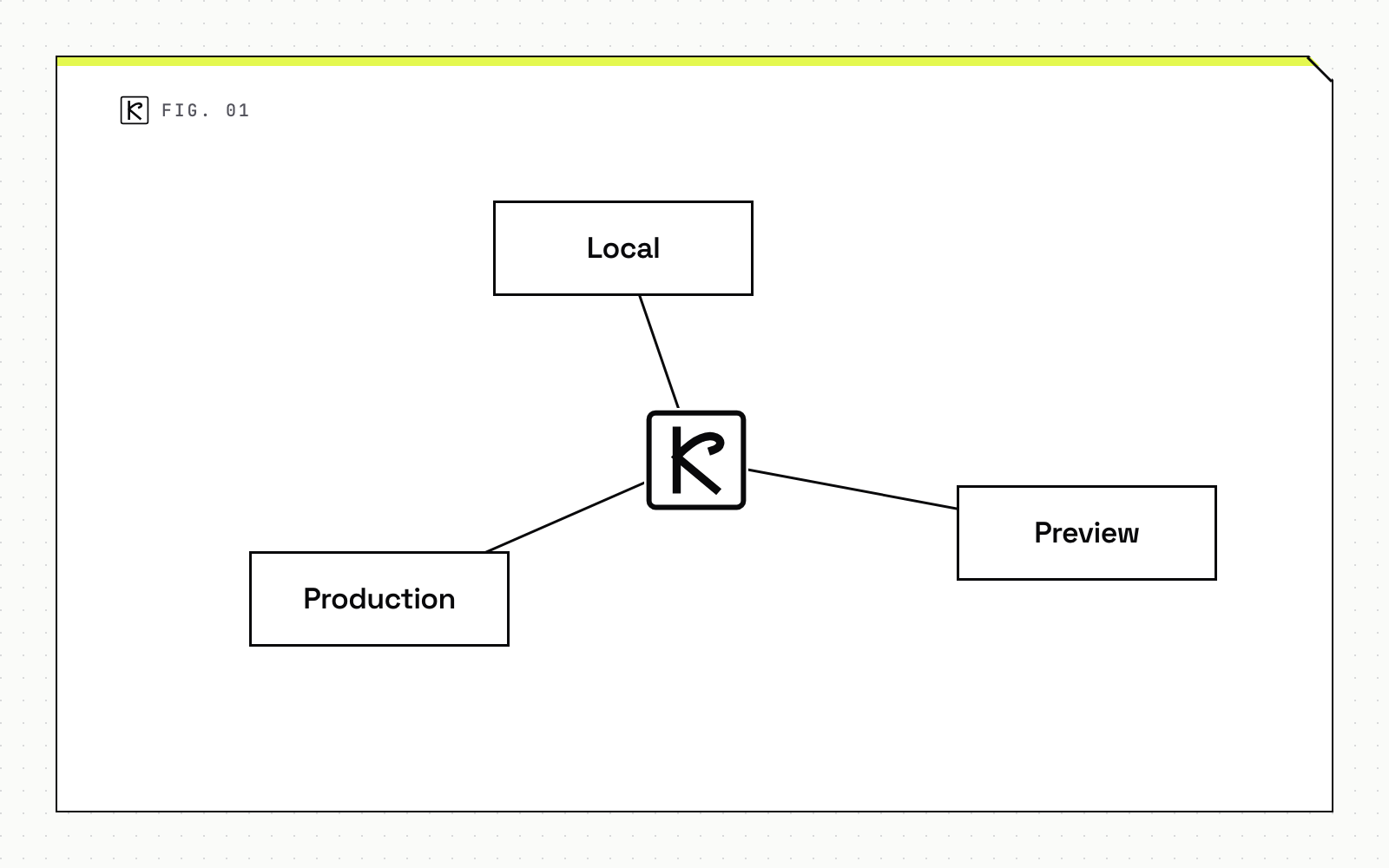
Preview deployments come in two URL shapes. A branch-specific URL always points to the latest commit on that branch, handy for a reviewer who just wants "whatever is current." A commit-specific URL stays pinned to one exact build, which is what you need when comparing two specific states side by side.
For staging, you have three options, and the right one depends on your plan. A custom environment, named something like staging or QA, with its own branch tracking, domain and variables, is available on Pro (one per project) and Enterprise (twelve). Every plan, including Hobby, can approximate the same thing with a dedicated preview branch: pick a persistent branch like staging, point a domain at it, and add branch-specific environment variables. Want to verify against real production data first? A staged production deployment disables Auto-assign Custom Production Domains under Branch Tracking, so a production-branch build waits at its generated URL, with actual production environment variables, until you manually promote it. Promotion then assigns the production domain without rebuilding anything.
Whichever workflow you pick, run it alongside a Next.js technical SEO audit on the preview URL. Redirects, canonical tags and metadata are far cheaper to fix before a build reaches the production domain than after.
Step-by-step: ship a change through preview to production
Deploy a preview. Push to a non-production branch, open a pull request on a connected Git provider, or run vercel deploy from the CLI. Vercel also supports Vercel Drop for dragging a folder into the browser with no Git or CLI, Deploy Hooks for triggering a build from a unique URL without a new commit, and the REST API for services that need to create deployments over HTTP. Whatever the trigger, you get a unique, verifiable URL back.
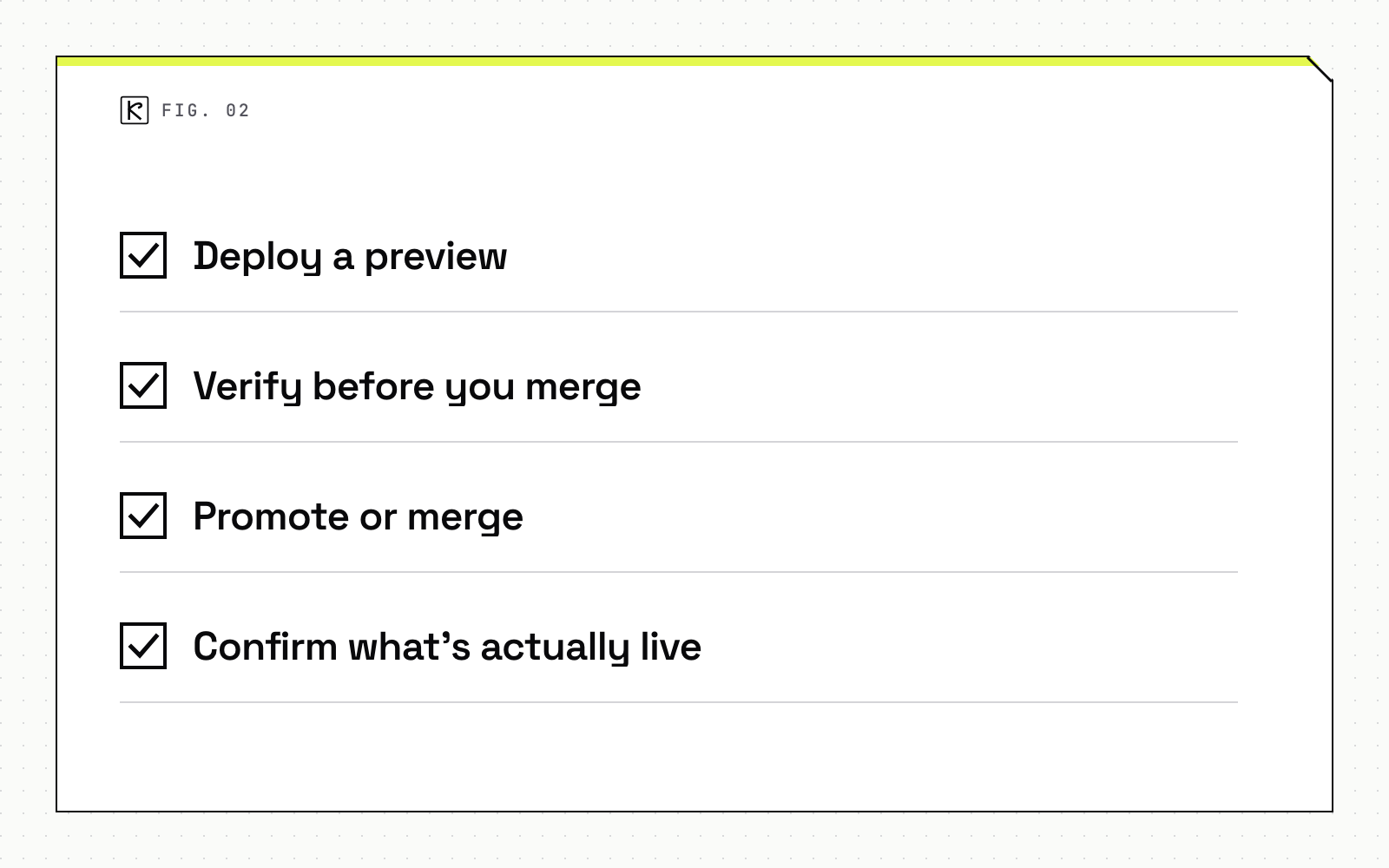
Verify before you merge. Hit the preview URL directly, or use vercel's curl helper against the preview deployment and vercel's log viewer, scoped to that deployment and filtered to error level, to check for runtime errors before anyone merges the pull request.
Promote or merge to production. Merging to the production branch, or running vercel deploy with the production flag, builds and immediately points your production domains at the new deployment. Already have a known-good preview build and don't want to rebuild it? vercel promote <deployment-url> pushes that exact build straight to production; vercel promote status confirms it took effect.
Confirm what's actually live. The Deployments tab in the dashboard lists every build with options to redeploy, inspect, assign a custom domain, or promote to production. From the CLI, vercel inspect <url> shows the git commit, branch and build time for any deployment, preview or production.
Edge caching, from static files to Cache-Control headers
Static assets, images, fonts, and JavaScript bundles, are cached automatically on Vercel's edge network for the life of the deployment. Because filenames are content-hashed, an unchanged file keeps the same cached value across deployments instead of being re-fetched. Pages that need periodic refresh instead of a hard rebuild are a different case; that's what incremental static regeneration is for.
Dynamic responses, anything returned from a Vercel Function, are not cached by default. To make one cacheable, the response needs an explicit Cache-Control header carrying s-maxage=N, optionally with stale-while-revalidate and stale-if-error. proxy-revalidate is not supported.
Vercel adds two more headers for finer control. CDN-Cache-Control sets a TTL for Vercel's edge and any other downstream CDN, without touching what the browser caches. Vercel-CDN-Cache-Control scopes a TTL to Vercel's cache only, and never reaches the browser or another CDN. A function might reasonably return Cache-Control: max-age=10 for the browser, CDN-Cache-Control: max-age=60 for a downstream CDN, and Vercel-CDN-Cache-Control: max-age=3600 for Vercel's own edge: three different lifetimes for three different caches on one response.
A handful of conditions quietly disqualify a response from being cached at all: a Set-Cookie header, a private, no-cache or no-store directive, a Vary: * header, or a Vary header naming a high-cardinality header like Cookie. That last case doesn't error. It returns x-vercel-cache: MISS with the reason "Vary key denied," the kind of thing that looks like a bug until you check the response headers. Cacheable function responses also top out at 10 MB (20 MB for streaming responses), and the maximum TTL for s-maxage, max-age or stale-while-revalidate is one year, though retention is best effort: a rarely requested asset can still get evicted from a regional cache before its TTL expires.
Rolling back a bad production deployment
When production breaks, restoring service comes first, root-causing it comes second. vercel rollback <deployment-url-or-id> points production traffic at a previously built deployment at the routing layer, with no rebuild, so it takes effect within seconds. vercel rollback status confirms it went through.
Rollback depth depends on your plan. On Hobby, vercel rollback can only restore the immediately preceding production deployment. Pro and Enterprise plans can target any earlier production deployment directly, by passing its specific URL or ID.
Once service is restored, find out what actually broke. Vercel's production deployment list shows recent builds with their git commits. vercel inspect <url> pulls the commit SHA, branch and build time for a specific one, and the same command with its build log flag surfaces build-time warnings that didn't block the deploy but changed runtime behavior anyway. Comparing error-level, expanded log output between the known-good and the broken deployment usually narrows the cause fast. If several deployments shipped between good and bad, vercel bisect, given a known-good and a known-bad deployment URL, binary-searches through them, and you can automate the whole thing with a test script where exit code 0 means good, nonzero means bad, and 125 means skip.
Common mistakes
Caching a response that still carries session cookies. A Vary: Cookie header doesn't throw an error. It silently disables caching for that route, so the Cache-Control header you set looks like it did nothing.
Treating the preview URL as optional. A preview deployment is the cheapest place to catch a regression, before it has a production domain pointed at it. Gate it the same way you'd gate any release, including a check against your performance budget, not just a visual glance.
Assuming vercel rollback rebuilds anything. It doesn't. During an incident, waiting on a build queue when a working deployment already exists just extends the outage.
Hitting the Hobby rollback limit and assuming it's a bug. Hobby can only step back one production deployment at a time. Rolling back further needs a Pro or Enterprise plan and a specific deployment URL.
Put the three pieces together and an incident becomes a routing change, not a scramble: a preview deployment that already caught the regression, a cache layer whose rules you actually set on purpose, and a rollback that restores service in seconds while you find the real cause at your own pace. Kallos Labs runs this exact preview-then-promote workflow, with a performance budget gate in CI, for the Next.js sites we build and maintain for clients. If you are setting this up for the first time, our web development team can walk through the CI and caching setup with you.
Frequently asked questions
How is a Vercel preview deployment different from a production deployment?
A preview deployment builds from any non-production branch, a pull request, or a CLI deploy that skips the production flag, and gets its own URL that never touches the production domain. A production deployment builds from the production branch (commonly main) or a CLI deploy with the production flag, and Vercel points the production domain at it immediately once the build succeeds.
Does Vercel cache dynamic API responses by default?
No. Static files are cached automatically, but a Vercel Function response is only cached once it returns a Cache-Control header with an s-maxage directive. Without that header, every request runs the function fresh.
How far back can vercel rollback go?
On the Hobby plan, vercel rollback only restores the immediately previous production deployment. Pro and Enterprise plans can roll back to any earlier production deployment by passing its specific deployment URL or ID.
Does rolling back rebuild the application?
No. vercel rollback repoints production traffic to an already-built deployment at the routing layer, which is why it takes effect within seconds instead of waiting on a new build.
What is the difference between Cache-Control, CDN-Cache-Control and Vercel-CDN-Cache-Control?
Cache-Control is the standard header the browser and any CDN both read. CDN-Cache-Control sets a separate TTL for Vercel's edge and any downstream CDN without changing what the browser caches. Vercel-CDN-Cache-Control scopes a TTL to Vercel's own cache only, and is stripped before the response reaches the browser or another CDN.