Human in the loop AI: which agent actions need a person, 2026
Gate AI agent actions by reversibility: let reads run, log reversible writes, and require a person for sends, spend, deletes and publishing.

An agent needs a person when an action cannot be undone or leaves your systems. Reading, searching and drafting can run on their own. Sending, paying, deleting and publishing should wait for approval.
That rule matters once an agent sits in front of email, payments, customer records or a production database. Even a model that's right most of the time gets some calls wrong, and what those mistakes cost depends on what the agent was allowed to touch. This article shows how to sort actions, choose a gate for each group, and keep the prompts few enough that people still read them.
What human in the loop AI means for an agent
Human in the loop AI means a person can approve, change or deny an agent action before it runs. The gate sits at the tool call, the moment the agent asks to do something in the outside world.
Where the gate sits
The Model Context Protocol specification, version 2025-06-18, states the principle directly: "For trust & safety and security, there SHOULD always be a human in the loop with the ability to deny tool invocations." It adds that applications should show which tools the model can reach, mark clearly when a tool is invoked, and present confirmation prompts so a human stays in the loop.
The same page tells clients to prompt for confirmation on sensitive operations and to show tool inputs to the user before calling the server, to avoid malicious or accidental data exfiltration. So the gate is not a general sign-off on the agent. It is a check on one specific call with its real arguments.
What it is not
A weekly report of what the agent did isn't a gate. By the time you read it, the email is sent and the record is gone. Approval after the fact is just notification. Control means the decision comes first.
Sort every action by how badly it can go wrong
Start with reversibility. Ask of each action: if this is wrong, can you undo it, and who sees it before you can?
Three tiers: never, maybe, always irreversible
The Magentic-UI research system, built by a Microsoft Research team, uses a three-value irreversibility heuristic that the developer sets for each action. Scrolling a page is never irreversible. Clicking a button is maybe irreversible. Uploading a file is always irreversible. Always-irreversible actions prompt the user for a binary approve or disapprove decision. Maybe-irreversible actions go to an LLM judge that decides whether a person must approve. Never-irreversible actions run automatically.
You can copy the shape without copying the system. The point is that the sort is made by the people building the agent, in advance, per action. It is not left to the model in the moment.
A practical sort for business agents
For agents inside a business, three groups cover most cases:
| Group | Examples | Gate |
|---|---|---|
| Read and draft | Searching, reading files, summarizing, writing a draft that is not sent | Run on its own |
| Reversible writes | Updating an internal ticket, creating a draft record, moving a file you can restore | Run, log, review later |
| Irreversible or outbound | Sending email or messages, spending money, deleting data, publishing, changing permissions | Approve first |
The last row is the one that earns a person. Each action in it either reaches someone outside your team, costs money, or removes something you cannot get back.
Watch for actions that look small
The risk sits in the tool, not the verb. A "send" button can mean a customer email. An "update" can overwrite the only copy of a record. A "run" can start a payment. When you list the agent's tools, classify what each one does to the outside world, not what it's called.
Pick the gate after you sort the action
Once actions are sorted, each group gets a rule. Most agent tools now express this as allow, ask and deny.
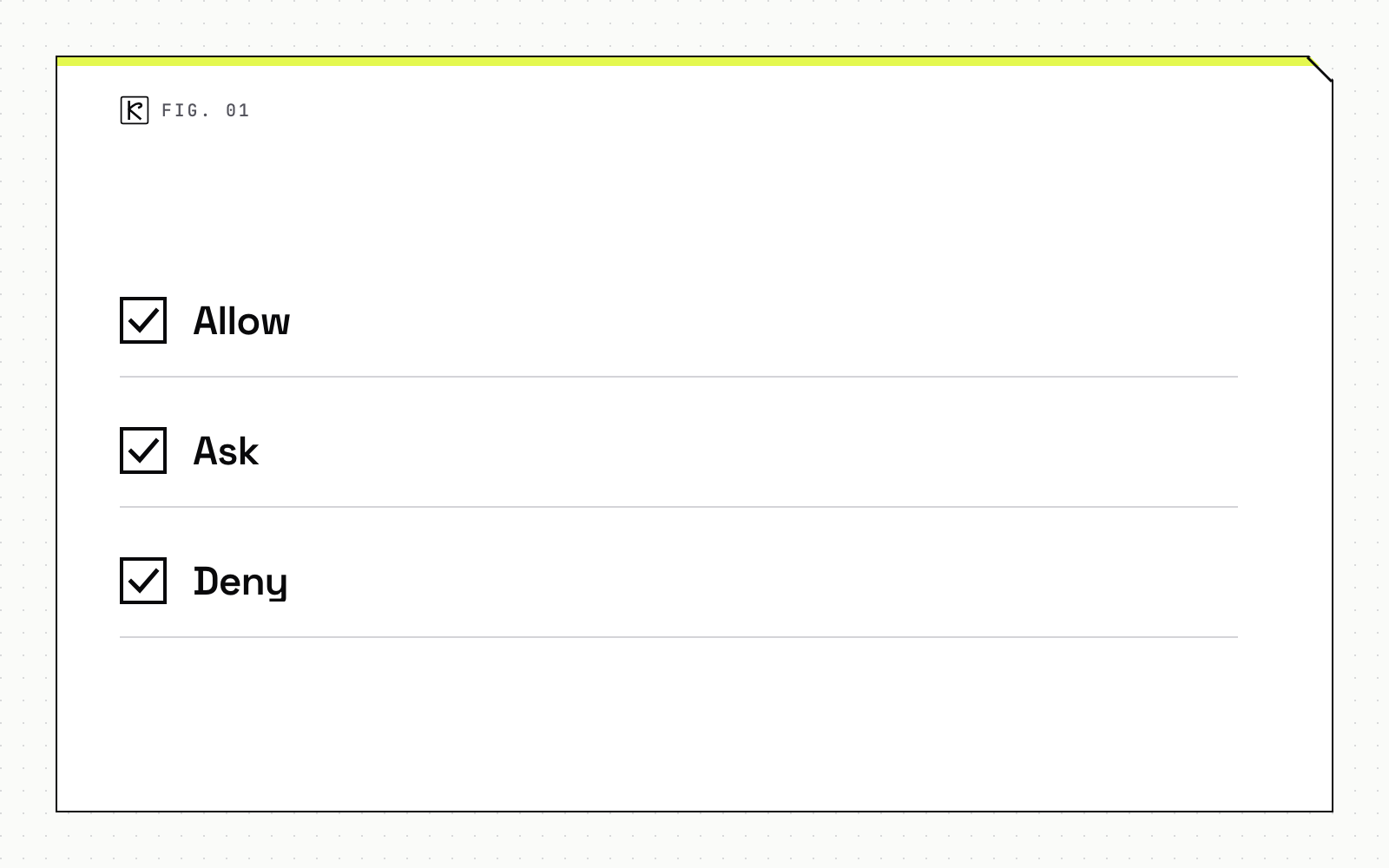
Allow, ask, deny
One public example is a widely used coding agent. Its permission documentation describes allow rules that run without approval, ask rules that prompt every time, and deny rules that block the tool. Rules are evaluated in the order deny, then ask, then allow, and the first match decides. A broad deny cannot be undone by a narrower allow.
The defaults follow the same logic as the table above. In manual mode, reading files inside the working directory needs no approval. Editing files, running shell commands (apart from a built-in set of read-only ones), fetching web pages and searching the web do prompt.
Map your own groups onto the three rules:
- Allow: read and draft actions.
- Ask: outbound, spending, deleting, publishing and permission changes.
- Deny: anything the agent should never do, such as touching billing settings or reading credential files.
Plan-level and boundary-level approval
Per-action prompts are not the only gate. Magentic-UI also requires explicit user approval for new plans, and for any site outside an allow-list. Approving a plan is fast and good for direction. It does not replace approving the call, because a plan can look fine while one argument is wrong. For a deeper look at the surrounding controls, see permissions, approval gates and audit logs.
What the approval prompt must show
A prompt that says "The agent wants to send an email. Allow?" gets approved. A prompt that shows the recipient, the subject and the full body gets read.
A usable approval request shows:
- The exact tool and the exact arguments, not a summary of intent.
- The target: which account, which customer, which record or amount.
- What changes and whether it can be reversed.
- Three choices: approve, edit, or deny.
Editing matters. If the reviewer can fix a wrong recipient and approve in one step, they are less likely to wave through a call they only half trust. A request that nobody answers should default to deny, not to run.
This is also where the MCP guidance about showing tool inputs earns its place. People can only catch an argument error if they can see the argument.
Keep approvals rare enough to stay meaningful
If an agent asks about everything, people stop reading. They click approve to get on with their day, and the gate turns into decoration. Aim for fewer prompts that carry real weight.
A few habits help:
- Let read-only actions run without a prompt so the approvals you do see are the risky ones.
- Remember approvals narrowly. A coding agent's "don't ask again" choice, for example, is saved per repository and command for shell commands, not as a blanket permission. Follow that pattern: approve one command or one domain, not a whole tool.
- Log every action that ran without a prompt and sample the log. A gate you never audit drifts.
- Treat a rising prompt rate as a design bug. If reviewers see twenty prompts a day for the same safe action, move that action to allow. The related concern of keeping runs affordable is covered in AI agent cost control.
Conclusion
Sort actions by what they can undo, not by how capable the agent seems. Let reads and drafts run, log and review reversible writes, and put a person in front of anything outbound, costly or permanent. Show the real arguments, default to deny, and keep prompts rare. Kallos Labs builds this kind of gating as part of AI automation work, and the same rule applies whether you build it yourself or buy it.
Frequently asked questions
What does human in the loop mean for AI agents?
A person can approve, change or deny an agent action before it runs, instead of only reading a report afterward. The gate sits at the tool call, where the agent asks to do something outside its own reasoning.
Which agent actions should always need approval?
Actions you cannot undo or that leave your systems: sending messages, spending money, deleting data, publishing content and changing permissions. If a wrong call would reach a customer or cost money, a person should see it first.
Should an agent ask before every action?
No. Prompting for everything trains reviewers to approve without reading. Let read-only actions run and keep prompts for actions that carry risk, so each prompt gets real attention.
Is human in the loop the same as human on the loop?
No. In the loop means a person decides before the action runs. On the loop means a person watches and can step in. Use the first for irreversible actions and the second for low-risk, reversible ones.